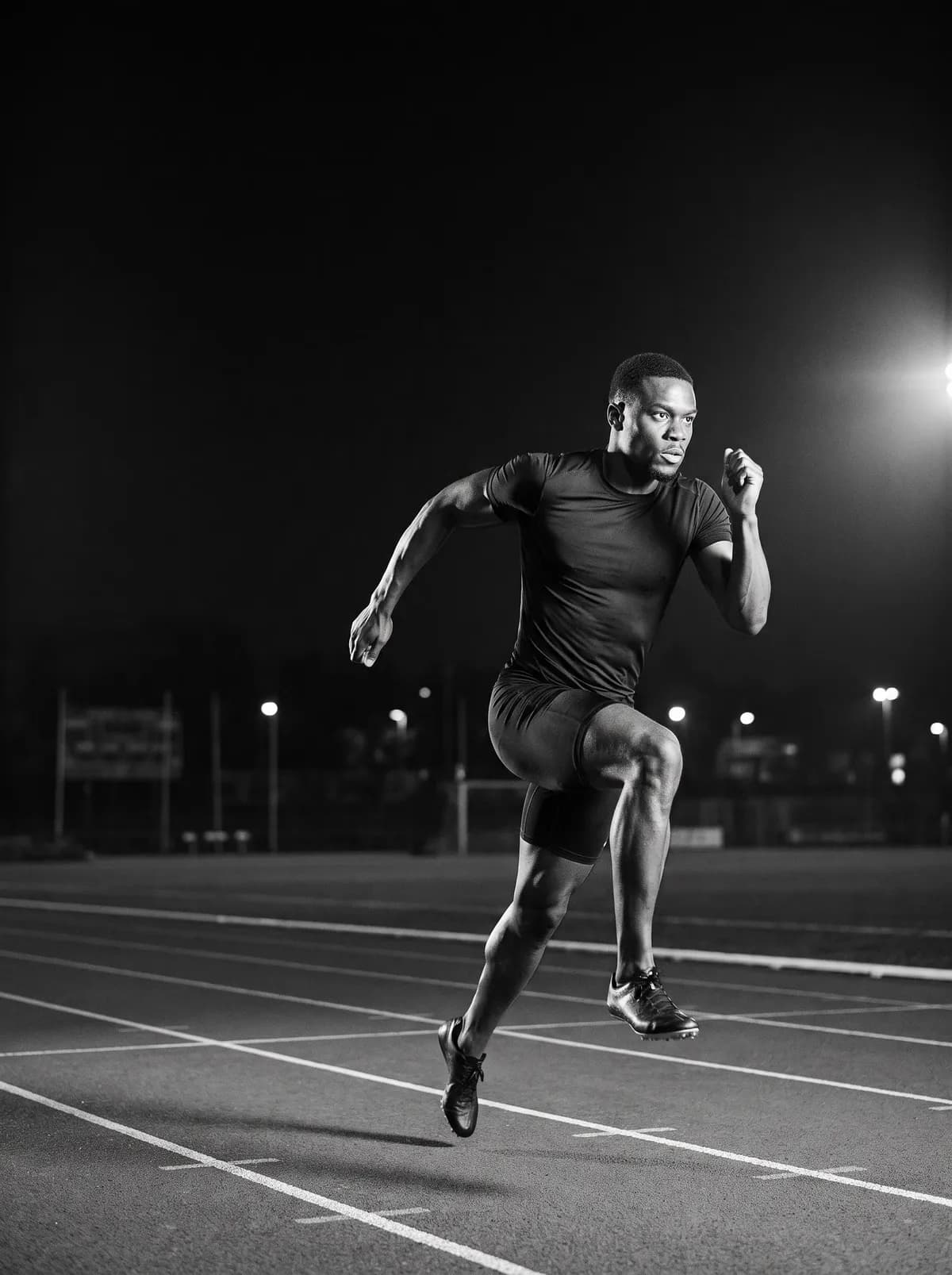
Sprints and hurdles
- PB
- 16.20
- Target
- 17.05
- Best rep
- 16.88
6 × 150m @ 95%
Your target from your own PB
Founding 100 · iPhone beta open
Log every rep, attempt and foul in the notation you already use. See every PB, and see if you are getting faster. Coaches plan the session, and the whole group logs it.
PB 16.20 · Walk back 200m
| Rep | Target | Time | Δ |
|---|---|---|---|
| 1 | 17.05 | 17.12 | +0.07 |
| 2 | 17.05 | 17.01 | −0.04 |
| 3 | 17.05 | 16.94 | −0.11 |
| 4 | 17.05 | 17.03 | −0.02 |
| 5 | 17.05 | 16.88 | −0.17BEST |
| 6 | 17.05 | 16.96 | −0.09 |
Every rep under target from rep 2. Best rep 16.88.
Every event group
Times and rests for runs. Each attempt for jumps and throws, with fouls and passes. A points total for multis. One app for the whole team.
Sprints and hurdles
6 × 150m @ 95%
Your target from your own PB
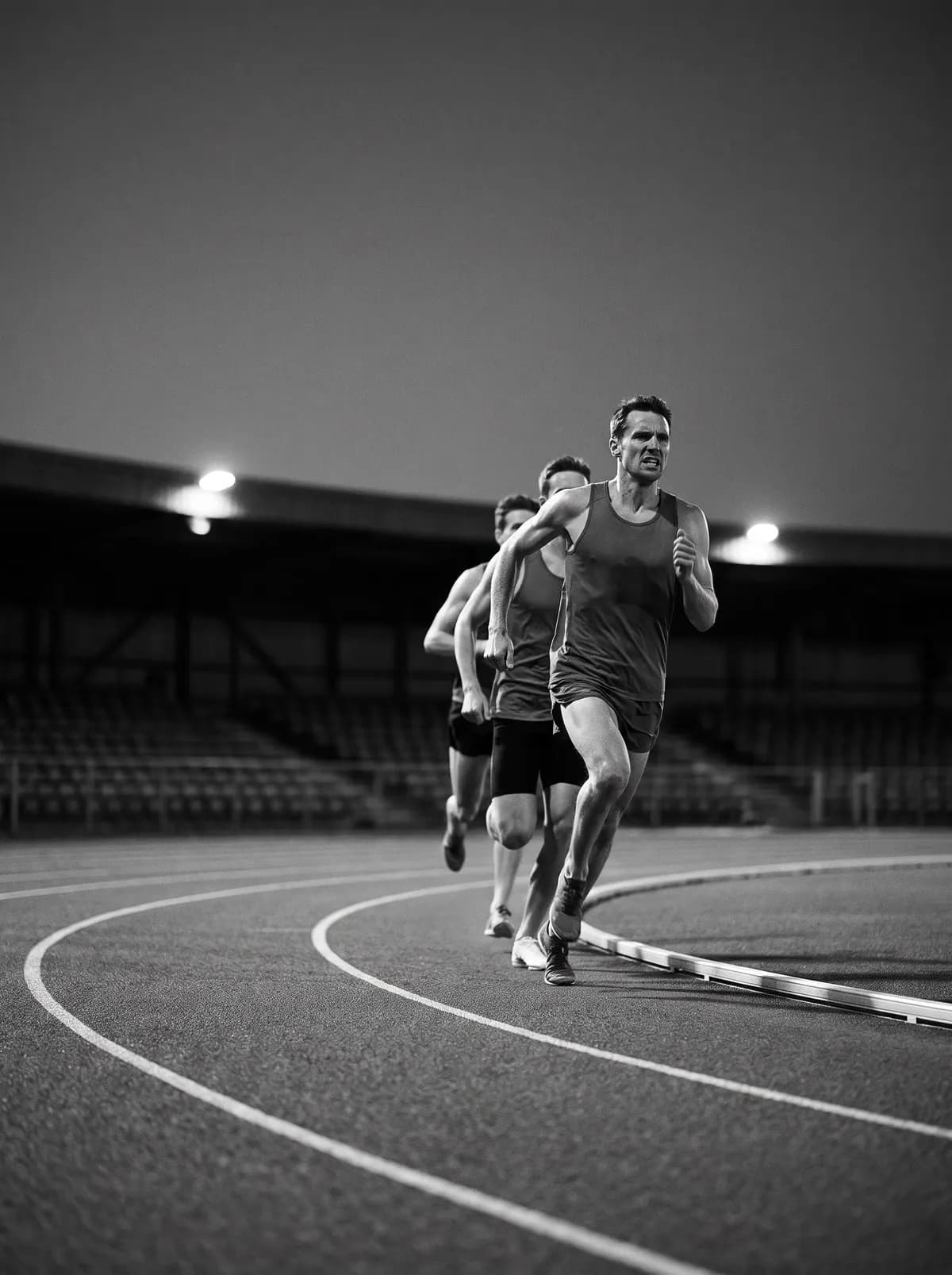
Middle and long distance
5 × 1000m · 2′ rest
Every rep, every rest
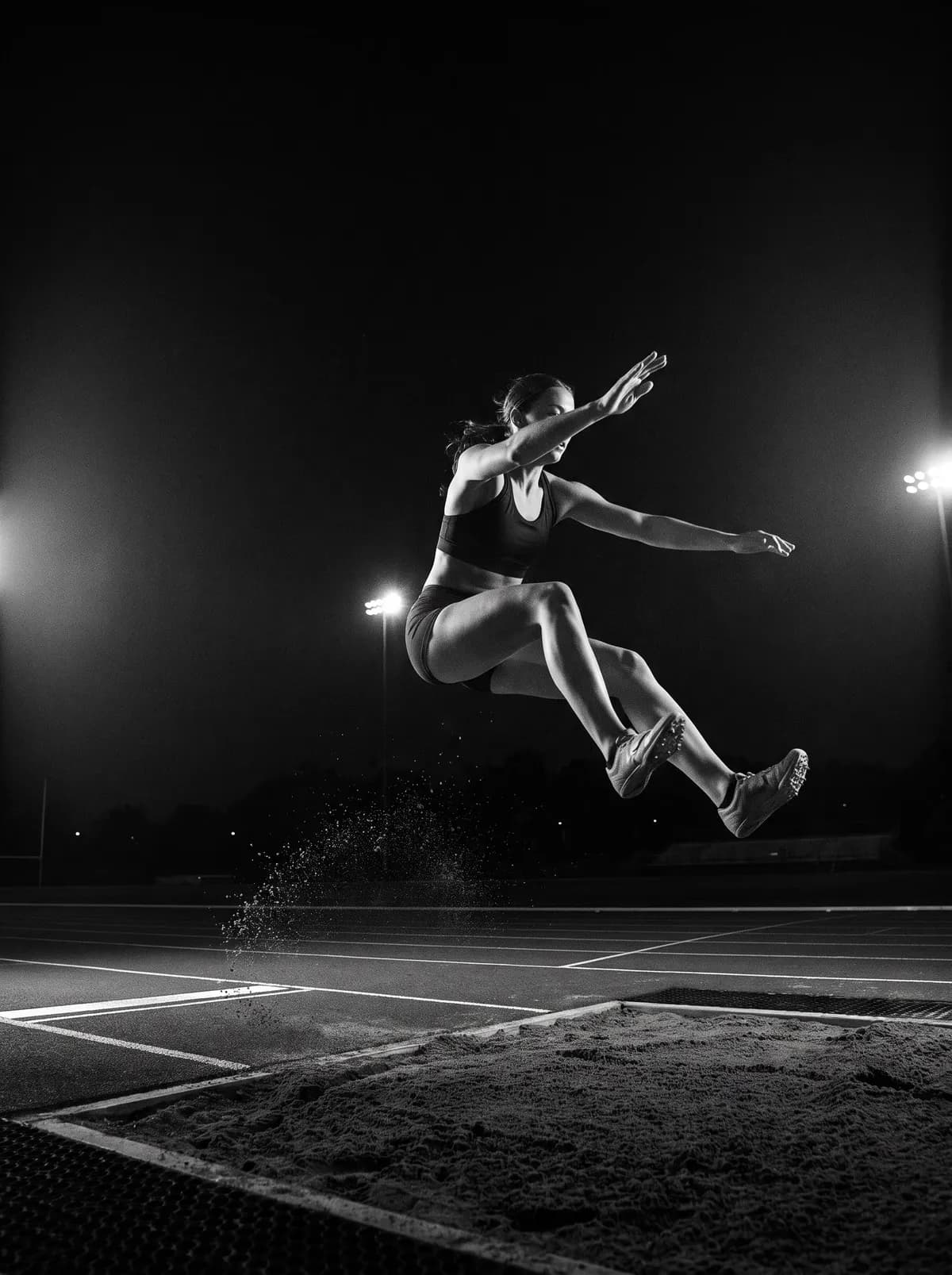
Jumps
6.71 / X / 6.88 / – / 6.95
Fouls, passes and wind
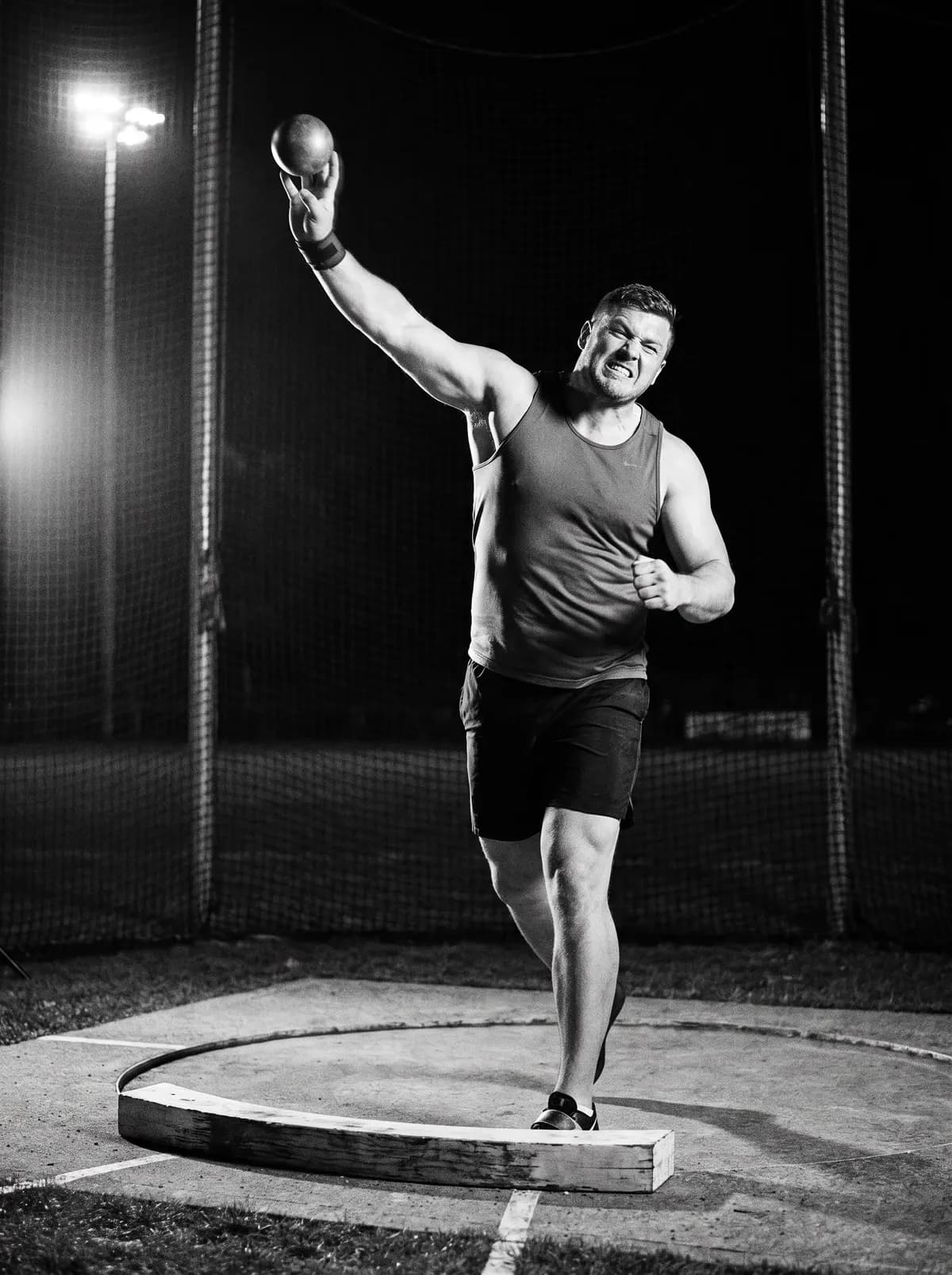
Throws
15.88 / 16.12 / X / 16.40
Each throw with the implement
Multis
Decathlon · Day 1
| 100m | 10.98 | 865 |
| LJ | 7.12 | 842 |
| SP | 13.84 | 719 |
| HJ | 1.96 | 767 |
| 400m | 49.70 | 828 |
One lap
0m · Plan
Your coach plans it in Trackbuddy. A rep set at a percentage of your PB shows your own target time.
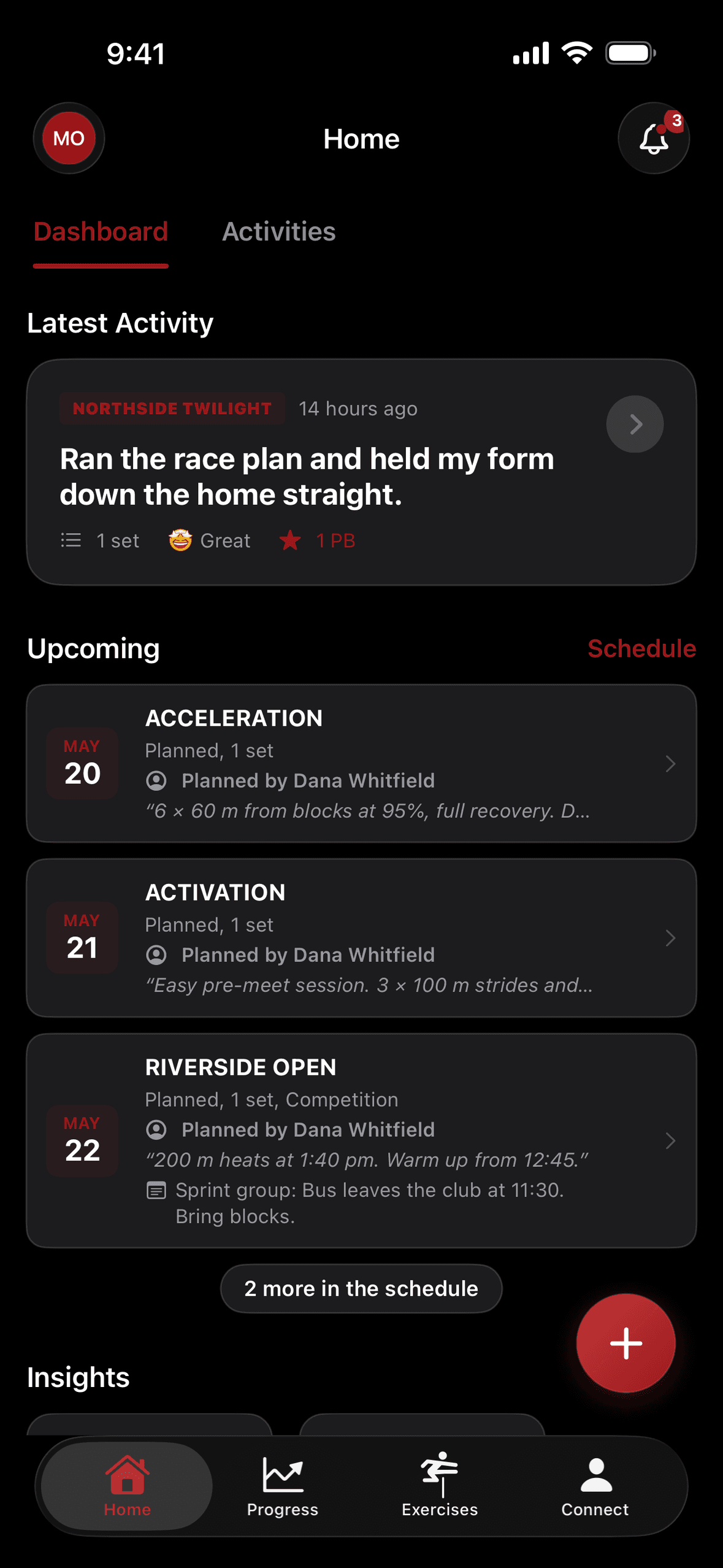
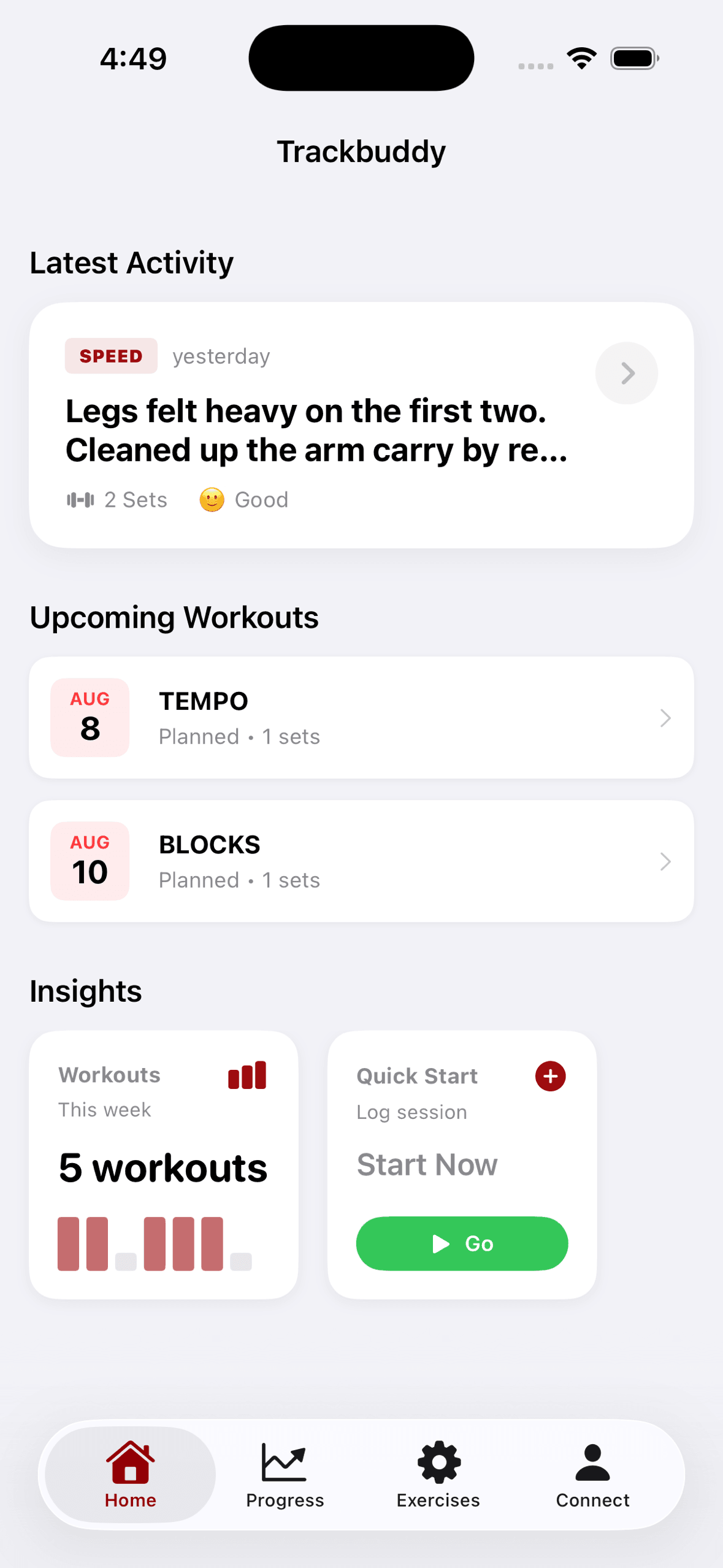
100m · Log
Time and rest for runs. Each attempt for jumps and throws, with fouls and passes. No signal needed: it syncs later.
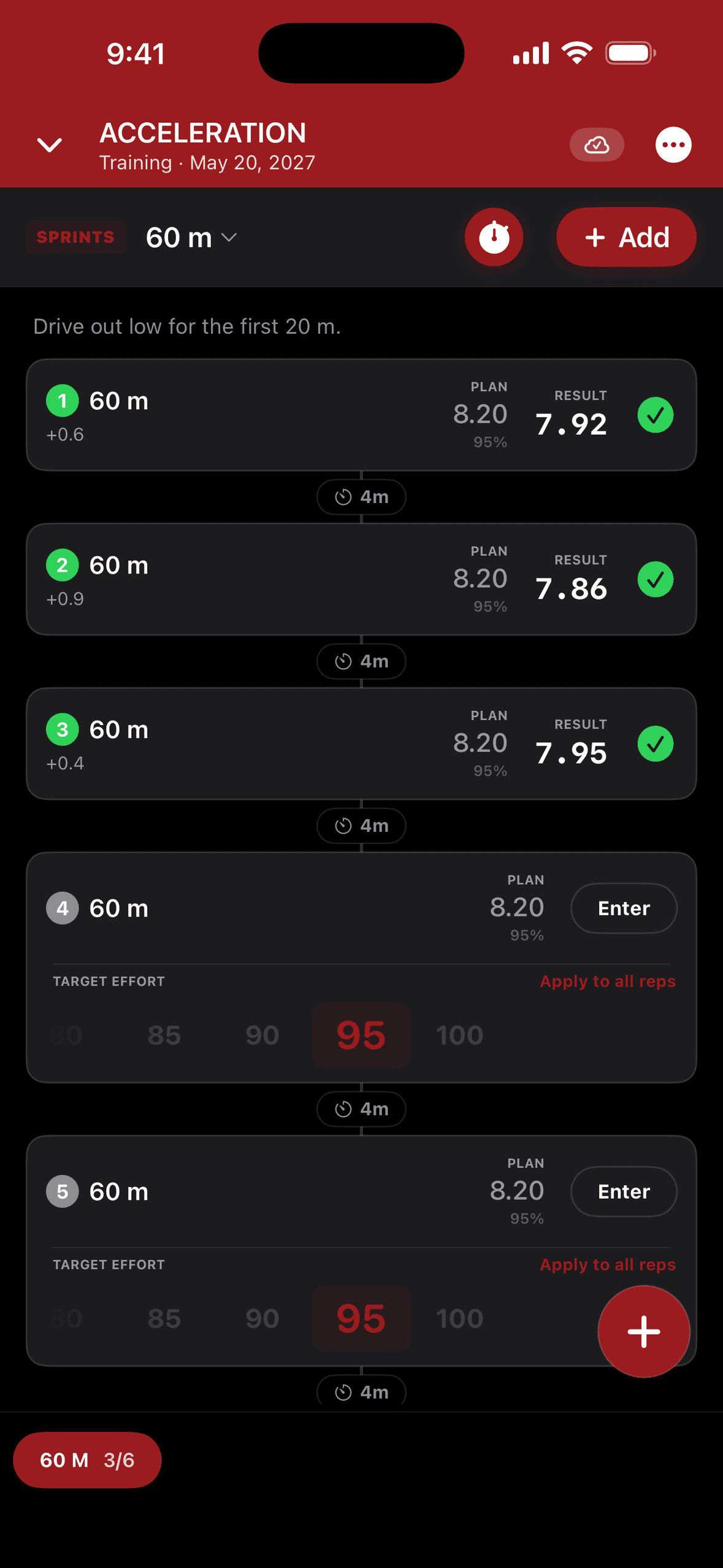
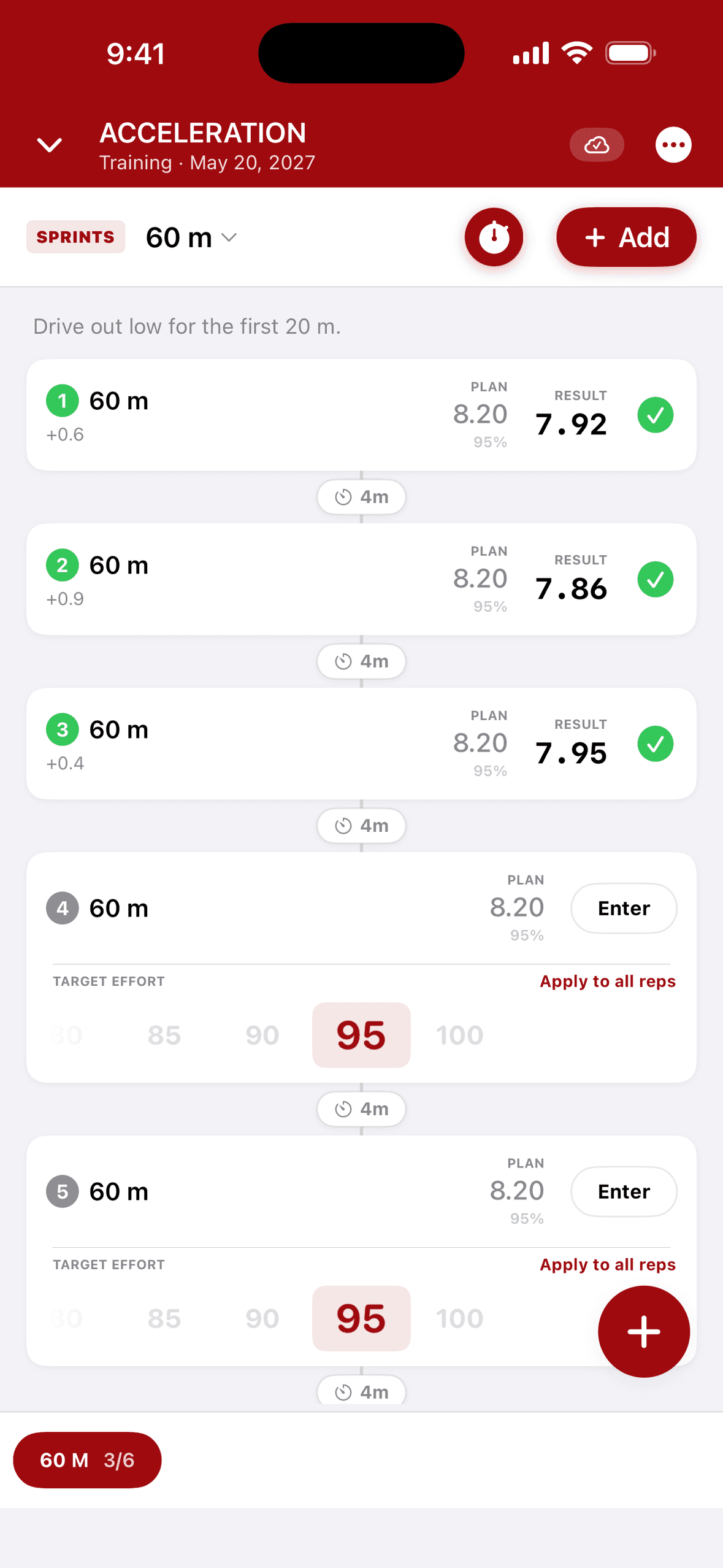
200m · Coach
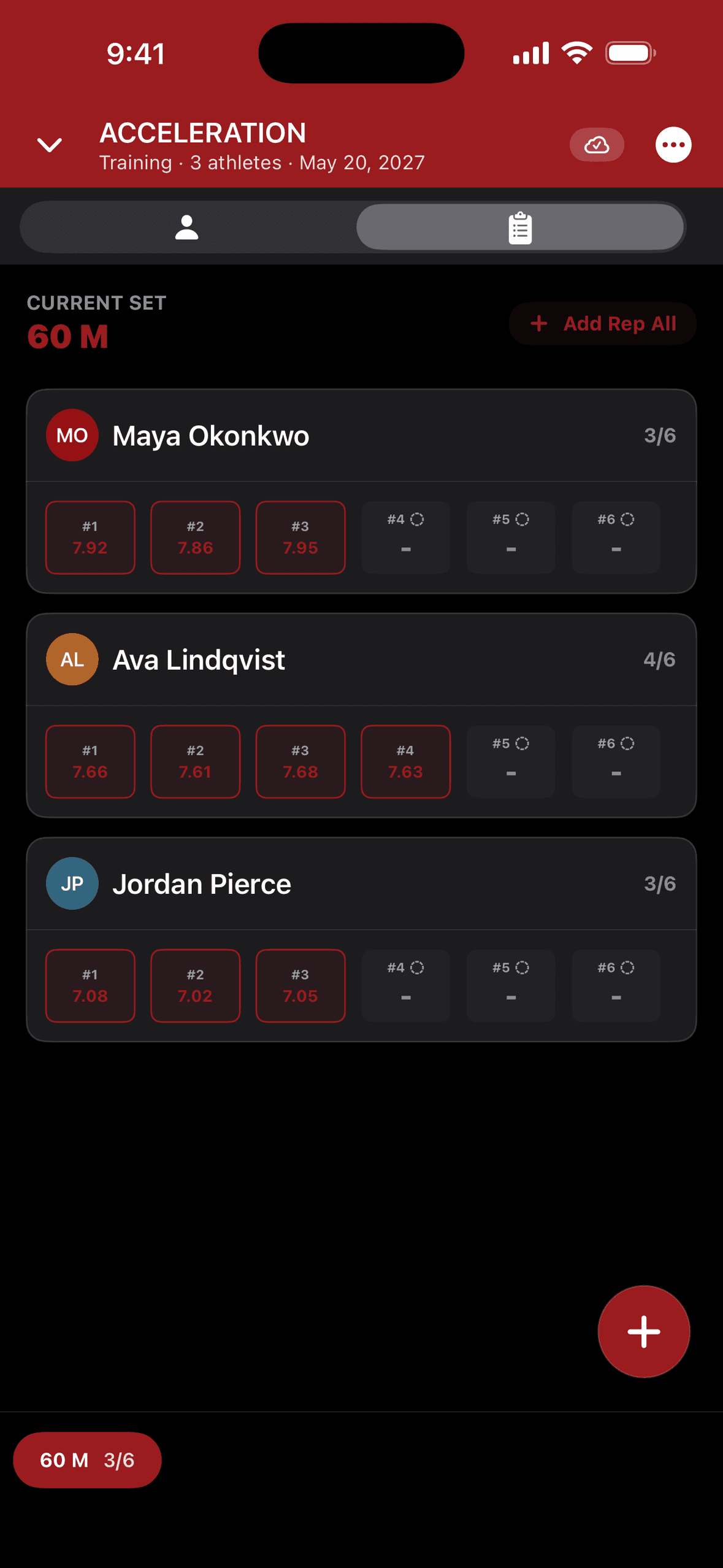
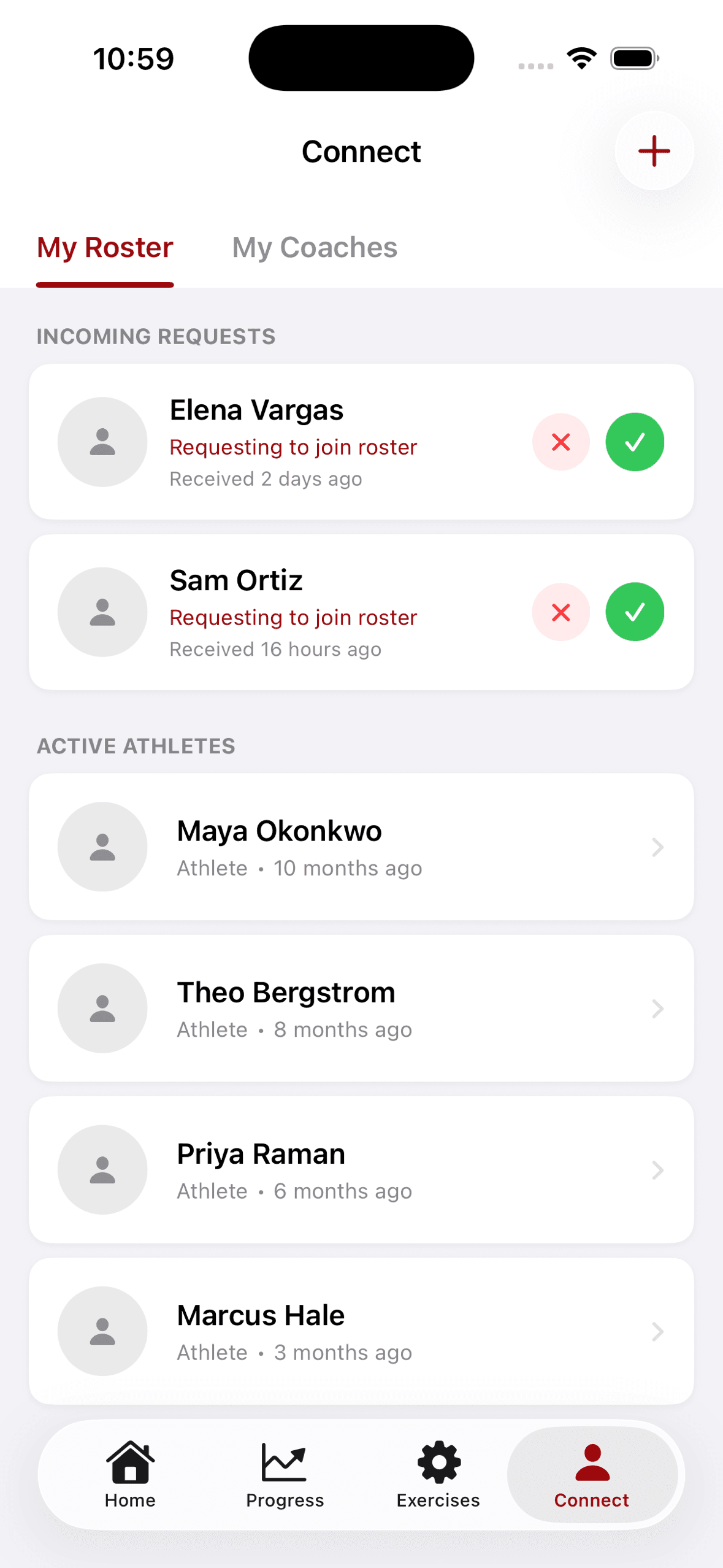
One session for the group. The coach enters each athlete's result during the rest.
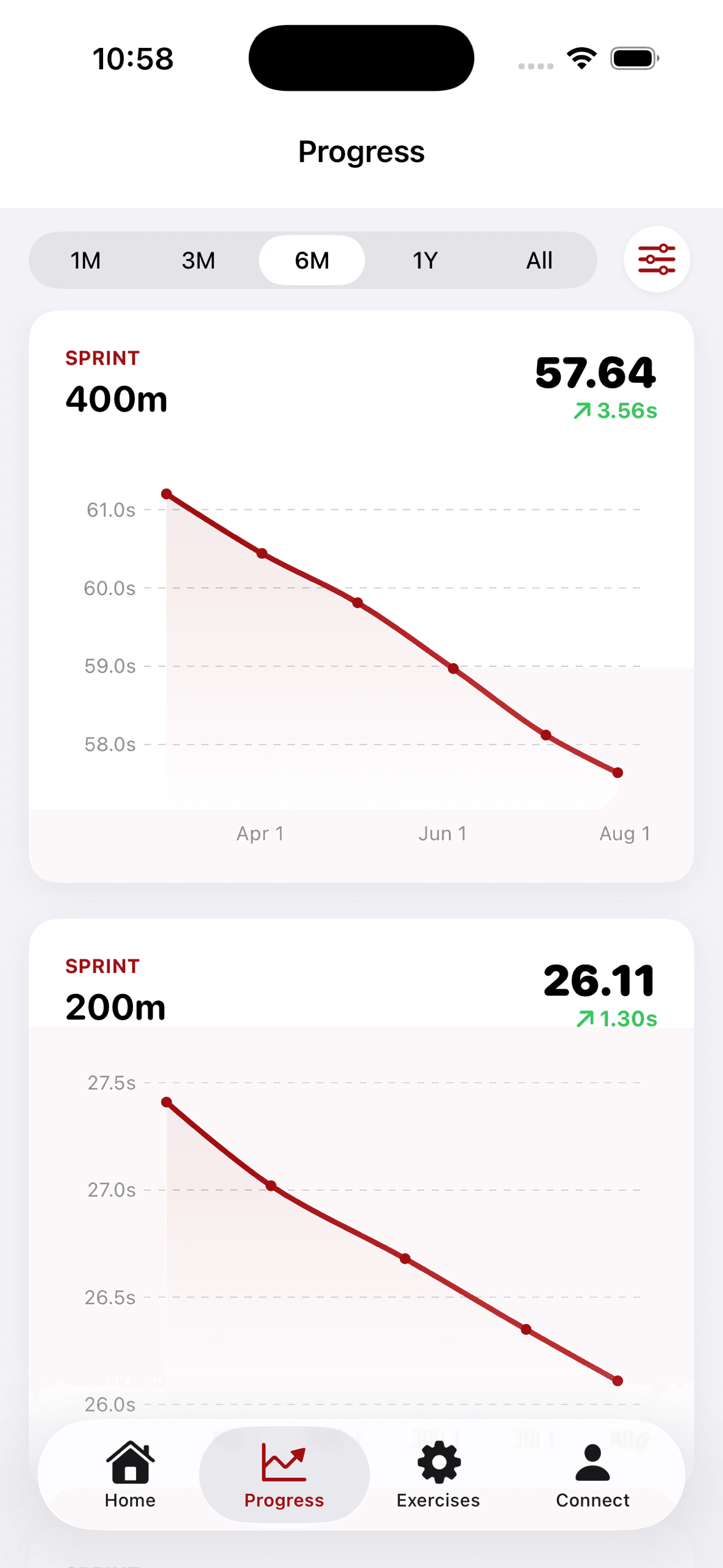
300m · Progress
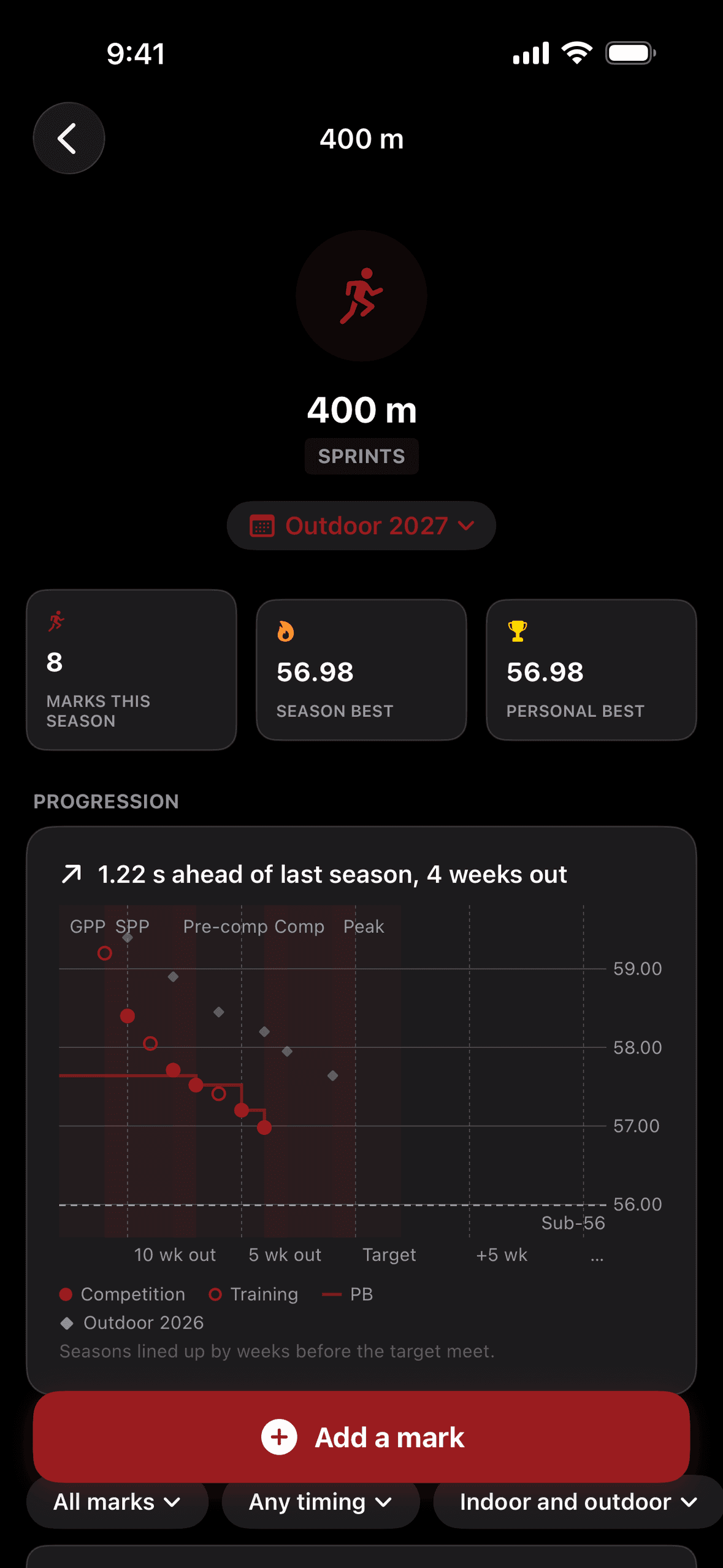
Every PB and season best by event, with the trend across seasons, and slow-motion video for any rep.
Marks that count
Trackbuddy applies the rules that decide whether a mark counts for your PB. If a wind-aided or hand-timed mark beats your PB, you see it beside the PB with its flag.
Pick the venue, and Trackbuddy adds the weather there when you finish an outdoor session.
Wind. Log the wind for each rep or attempt. Trackbuddy uses only an official reading to decide whether a mark is legal.
Timing. Under 800 m, Trackbuddy keeps hand times apart from fully automatic times. Trackbuddy also converts hand times so you can compare them.
Implements and hurdles. Trackbuddy keeps a separate PB for each implement weight and each hurdle height.
For coaches
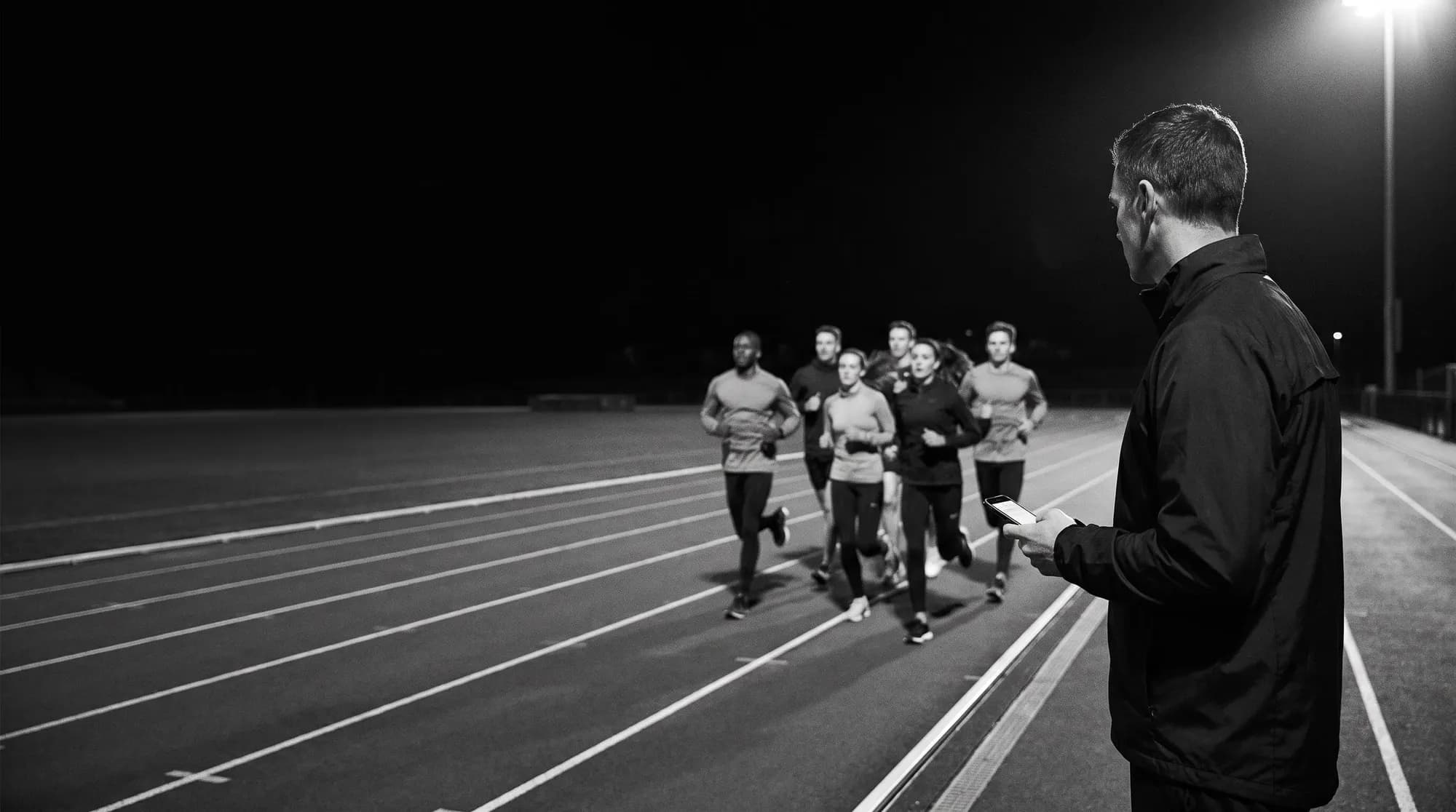
Plan the session once. Every athlete sees it before practice, with a target from their own PB. Log the group during the rest, and see every result when you get home. Athletes join your team with a link or a QR code.
3athletes logging
Founding coach
The lifetime coach plan for one team of up to 30, and a founding number of your own.
10athletes logging
First wave
Your whole group gets invites in the first wave, and you get a direct line to the people building the coach tools.
20athletes logging
Co-design
A working session with the people building Trackbuddy on the coach tools your group needs next.
10 founding coach groups. Athletes in your group count toward the 100.
The Founding 100
Trackbuddy is in TestFlight. 100 founding testers get the builds first, shape what ships, and keep premium for good.
Apply. Your email, a few quick questions and a line about you. Coaches can bring their group.
Get the invite. A TestFlight link, by email, as your event group's seats open.
Log 8 sessions. In your first 4 weeks, and answer one two-question check-in.
Keep it. Your founding number and every perk below, for as long as Trackbuddy runs.
Lifetime Premium
Every premium feature Trackbuddy adds to the athlete app stays free on your account for as long as Trackbuddy runs.
Lifetime Coach plan
Founding coaches keep the coach plan for one team of up to 30 athletes, free, for good.
Your founding number
A founding badge with your number, 001 to 100, on your profile. Your name in the app credits if you want it there.
A direct line
A small group chat with the people building Trackbuddy. Bugs you report get fixed first, and you vote on what ships next.
Seats by event group
Targets
Seats fill by event group so every event gets tested. Athletes under 18 join with their coach or a parent. Founding status needs 8 logged sessions; an unused seat goes to the next applicant in that group.
Free at the track
Beat the gun
On your
marks.
Tap when the gun goes. Under 0.100 is a false start.
Event
150m @ 95% · Maximal
17.05
95% of the speed of a 16.20 PB. The PB divided by 0.95.
The full ladder from 70 to 100% is on the rep target calculator. Scoring a decathlon or heptathlon? Use the points calculator.
FAQ
Trackbuddy covers 123 events. You log each one in its own notation. For a run, you log the time and rest of each rep. For a jump or a throw, you log each attempt. In combined events, Trackbuddy keeps your running points total. You can also log drills and weight training.
Both. As an athlete, you log your sessions and see your coach's plan if you have a coach. As a coach, you plan sessions and log results for your whole group. Your coach can edit your sessions only after you allow it.
No. A track rep has a set distance, so you only enter the time. You can take it from a stopwatch or from the meet results.
Yes. You can start, log and finish a session with no signal. Trackbuddy syncs it when your phone is back online.
Apply for the Founding 100. Trackbuddy is in beta on iPhone through Apple's TestFlight, and seats open by event group. Founding testers who log 8 sessions in their first 4 weeks keep Lifetime Premium. How the beta works.
Trackbuddy is free at launch. If paid features come later, you hear about them before you pay anything, and founding testers keep them free.
Find more answers on the support page.
Founding 100 · iPhone · TestFlight
Apply now. Log your first sessions in the beta, and keep Lifetime Premium.